Overlays for every moment
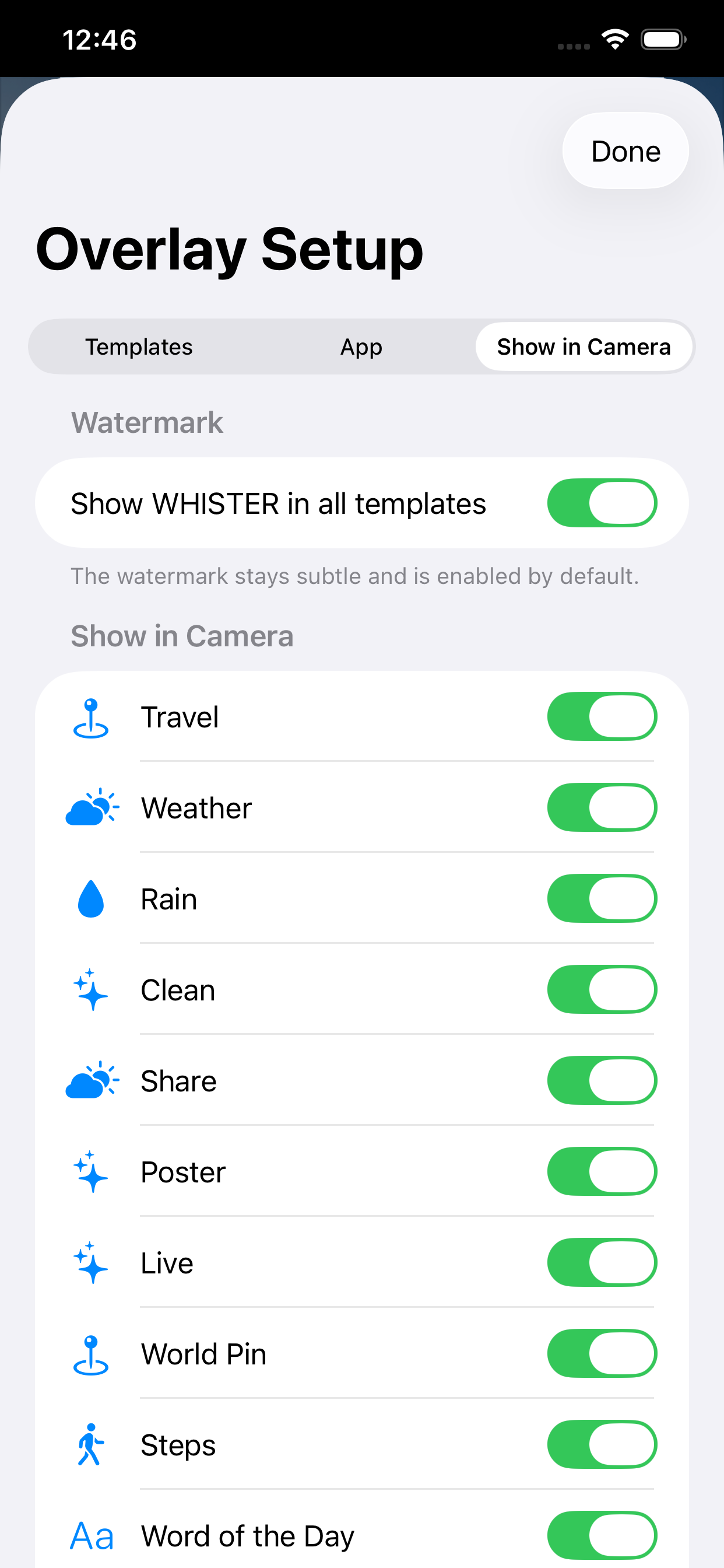
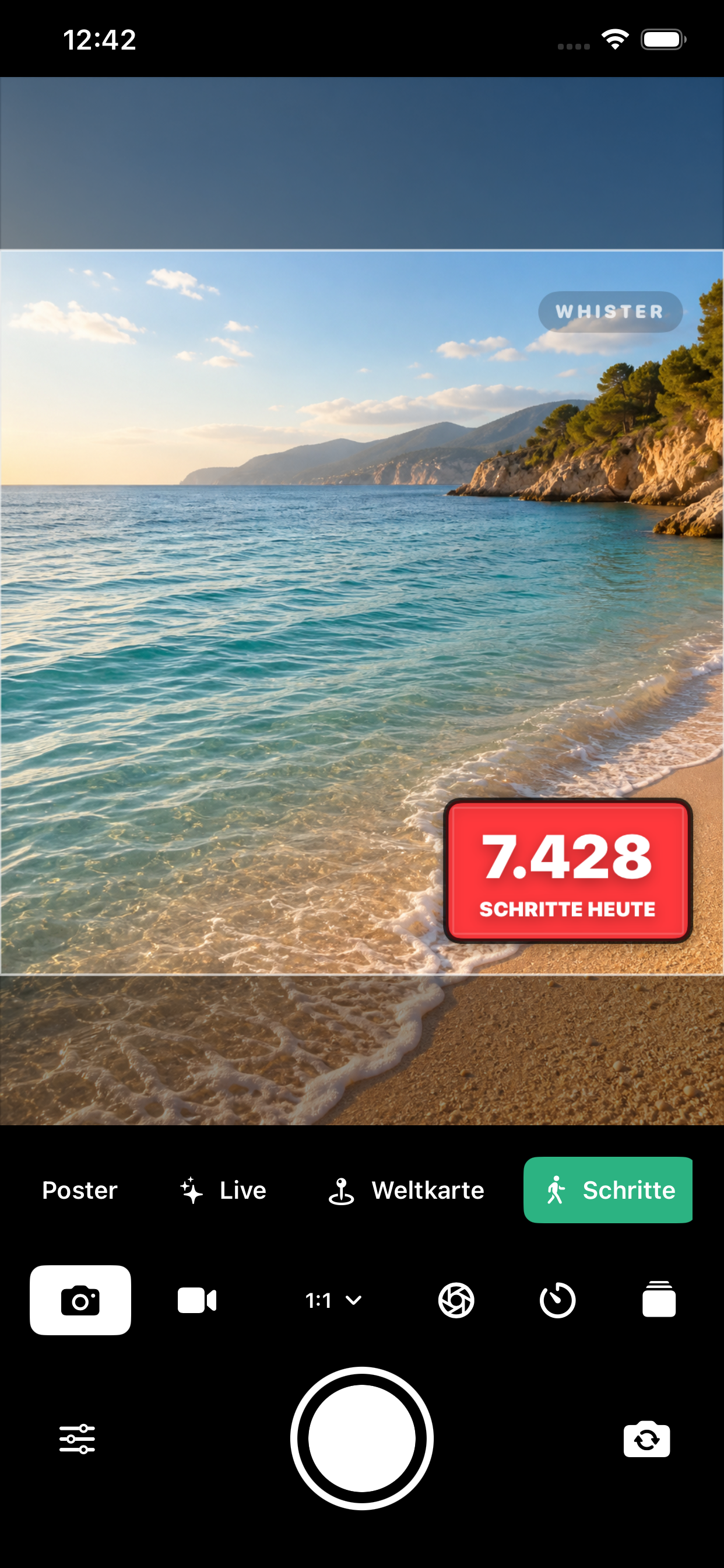
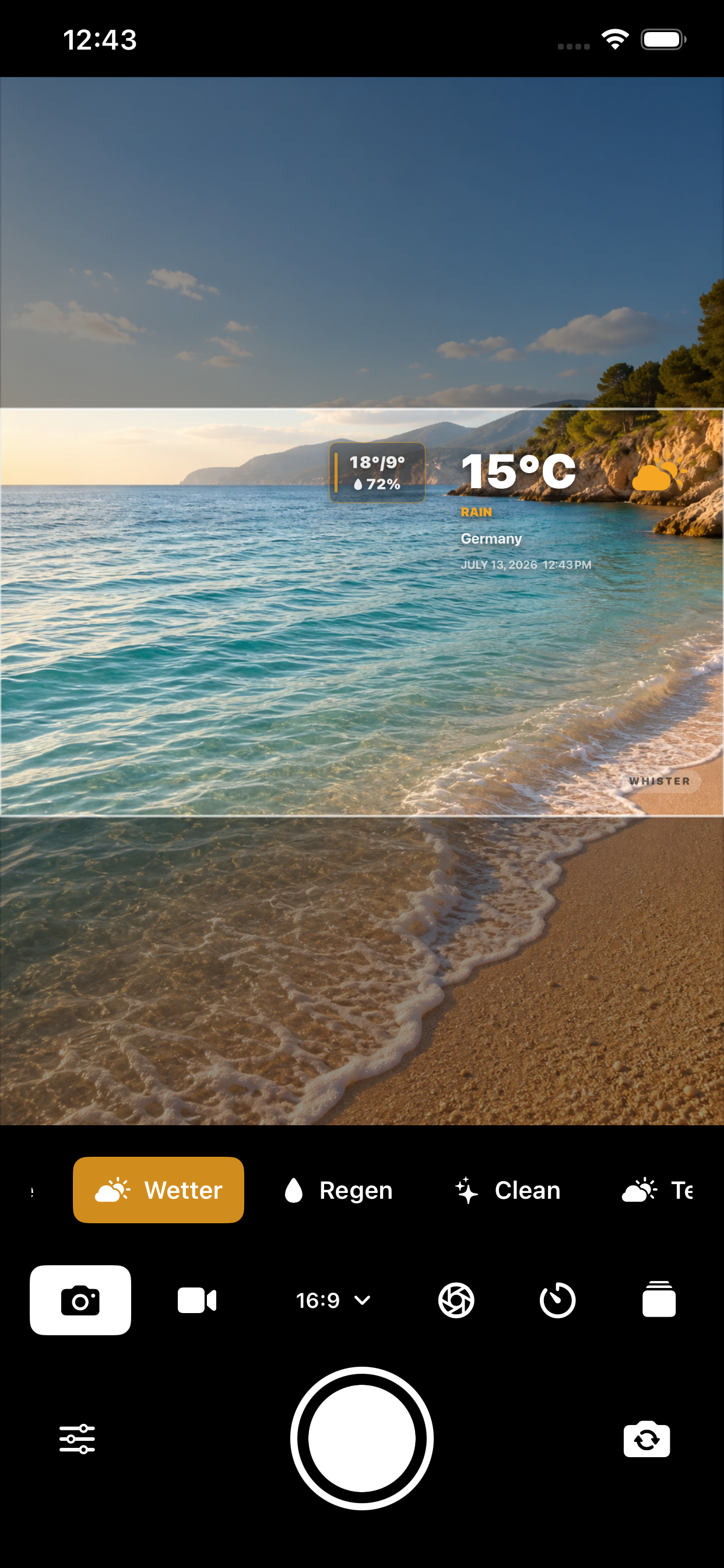
Travel, Weather, Rain, Clean, Share, Poster, Live, World Map, Steps, Word of the Day, Greeting, and Food.
Camera · Context · Creativity
Whister is the iPhone camera for captures that tell you more. Add weather, location, time, steps, and expressive designs to photos and videos as you shoot.
 For iPhone · Available now
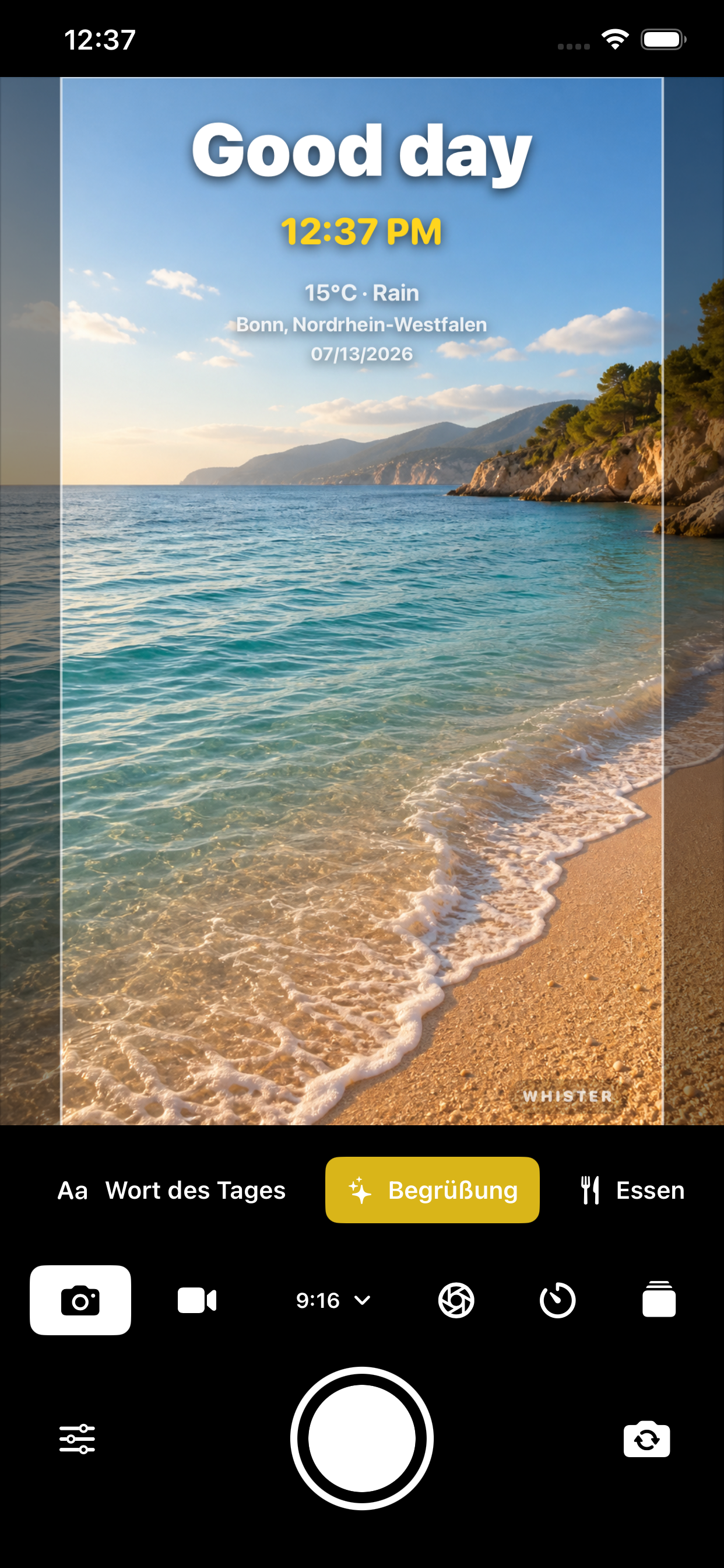
More than a timestamp
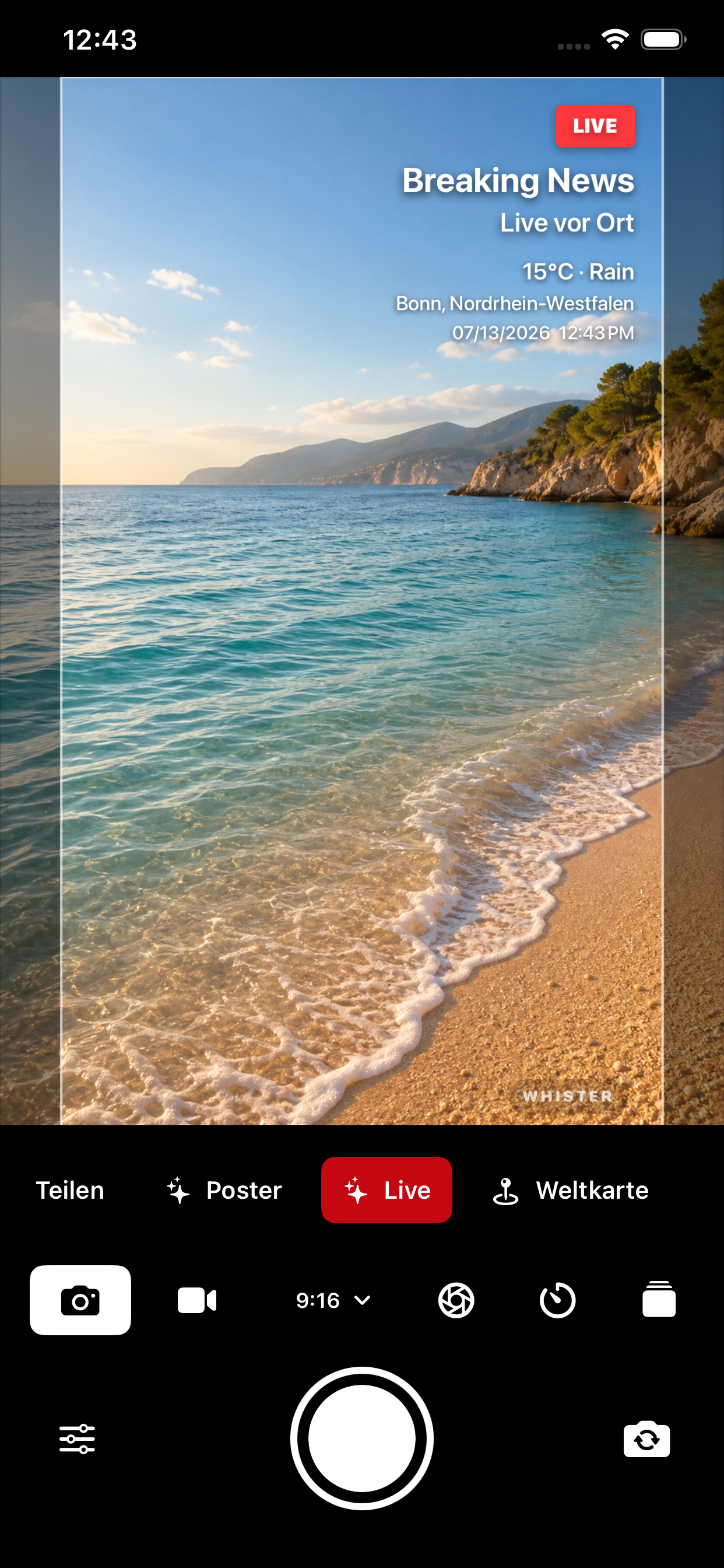
Choose the right template and decide which details should appear. Whister previews the result live in the camera and saves your photo or video with the finished overlay.
Travel, Weather, Rain, Clean, Share, Poster, Live, World Map, Steps, Word of the Day, Greeting, and Food.
Choose an accent color, light or dark appearance, position, language, and visible details for each template.
Capture directly in Whister. Your selected overlay appears in the preview and is saved to your photo library.
New overlays
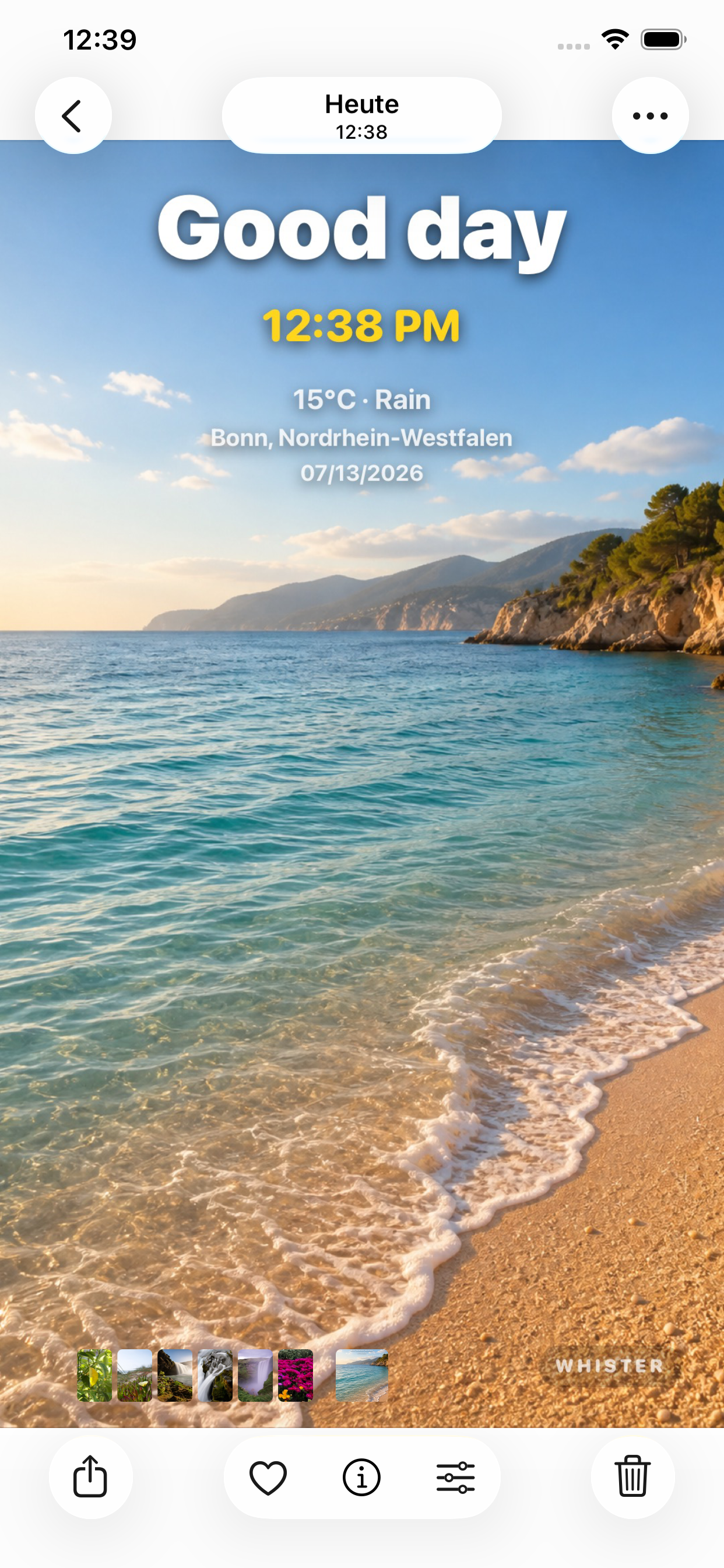
A friendly greeting, a dedicated Food Frame, current weather, or a rain alert: every capture gets the context that fits.
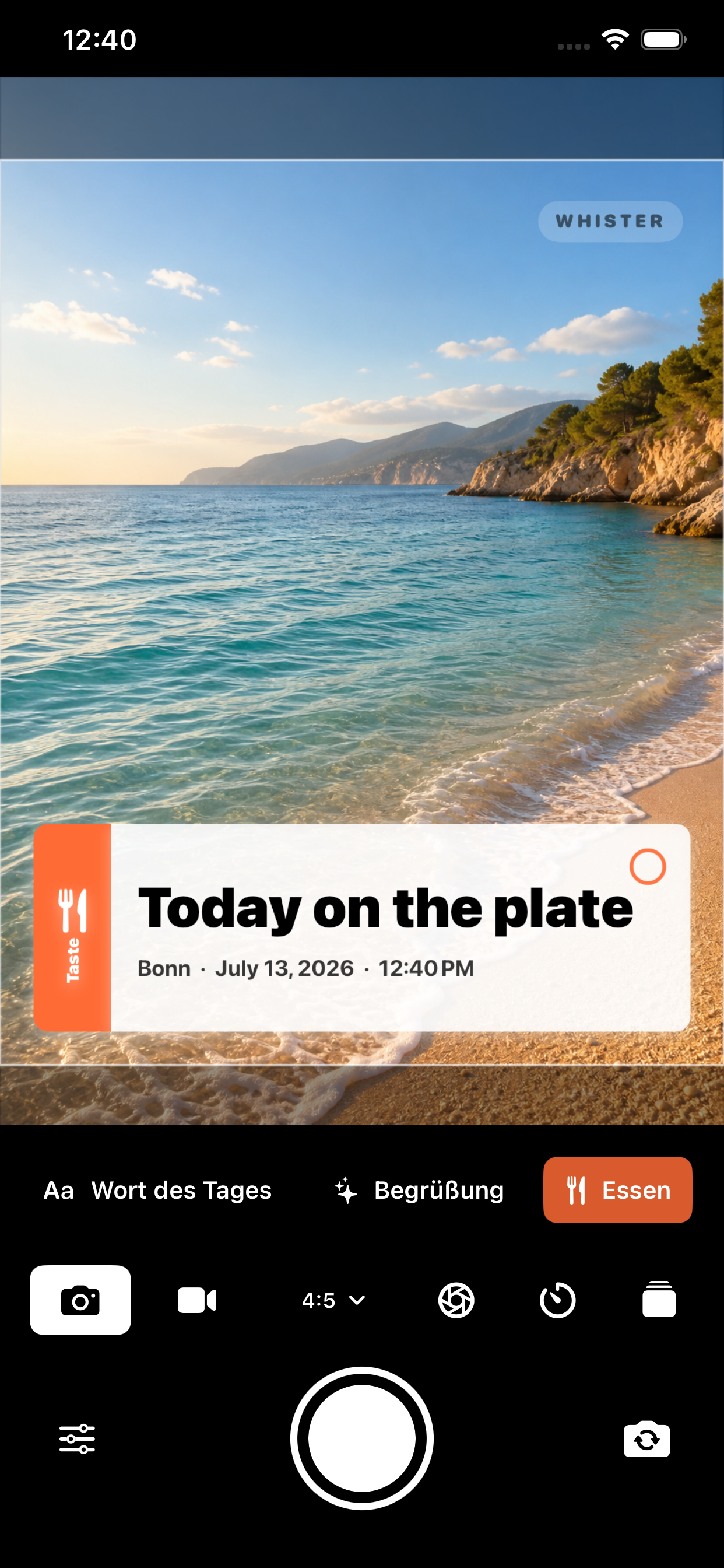
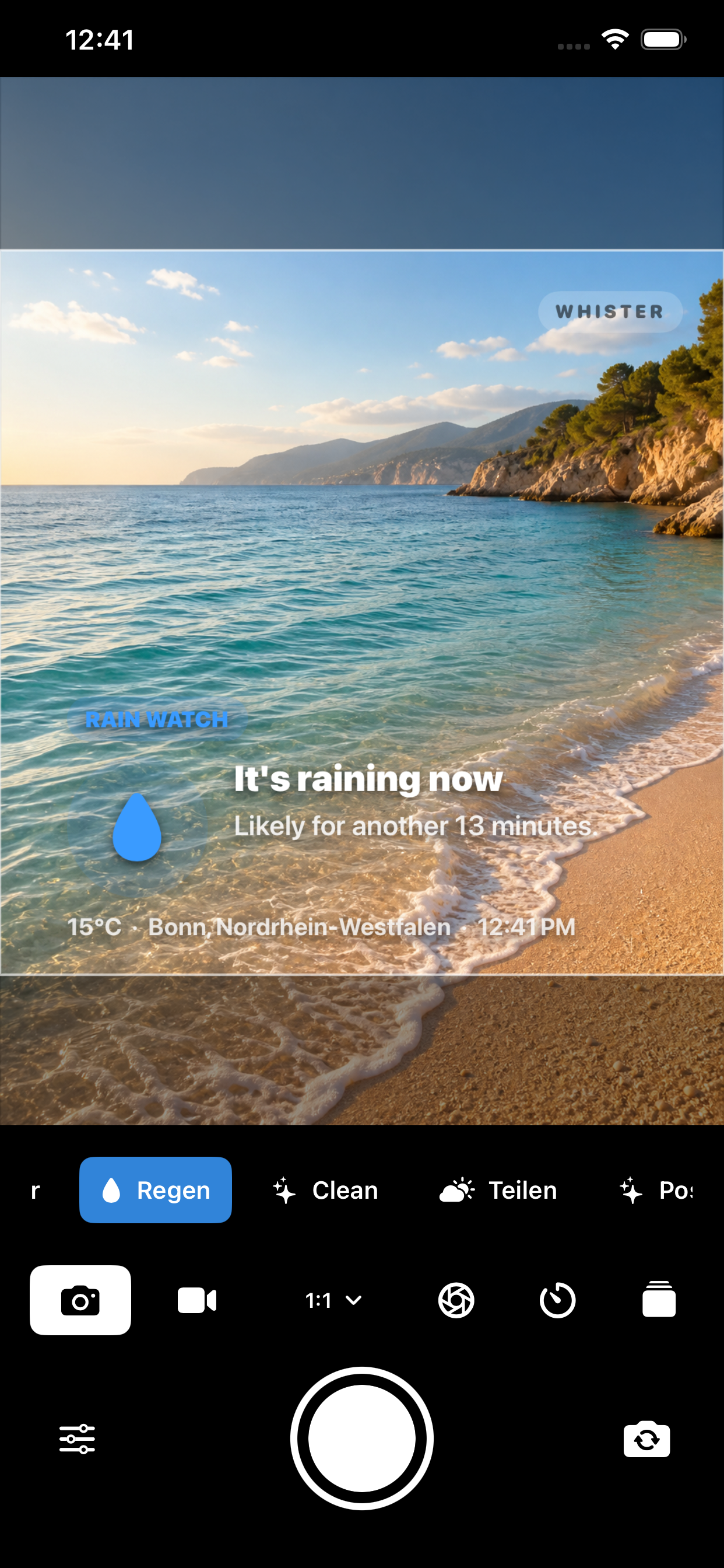
More control
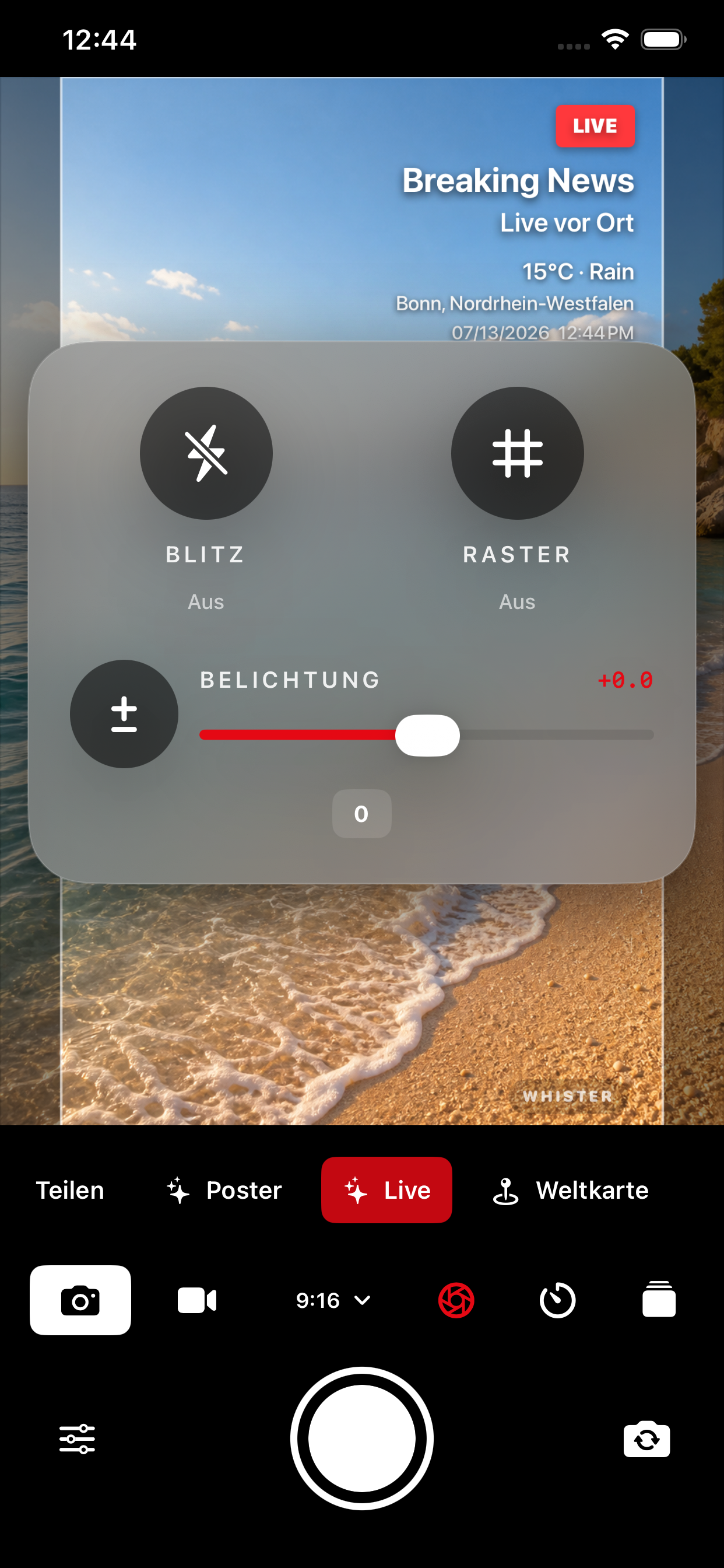
Shape the capture as well as the overlay. The essential controls are available right inside the camera.
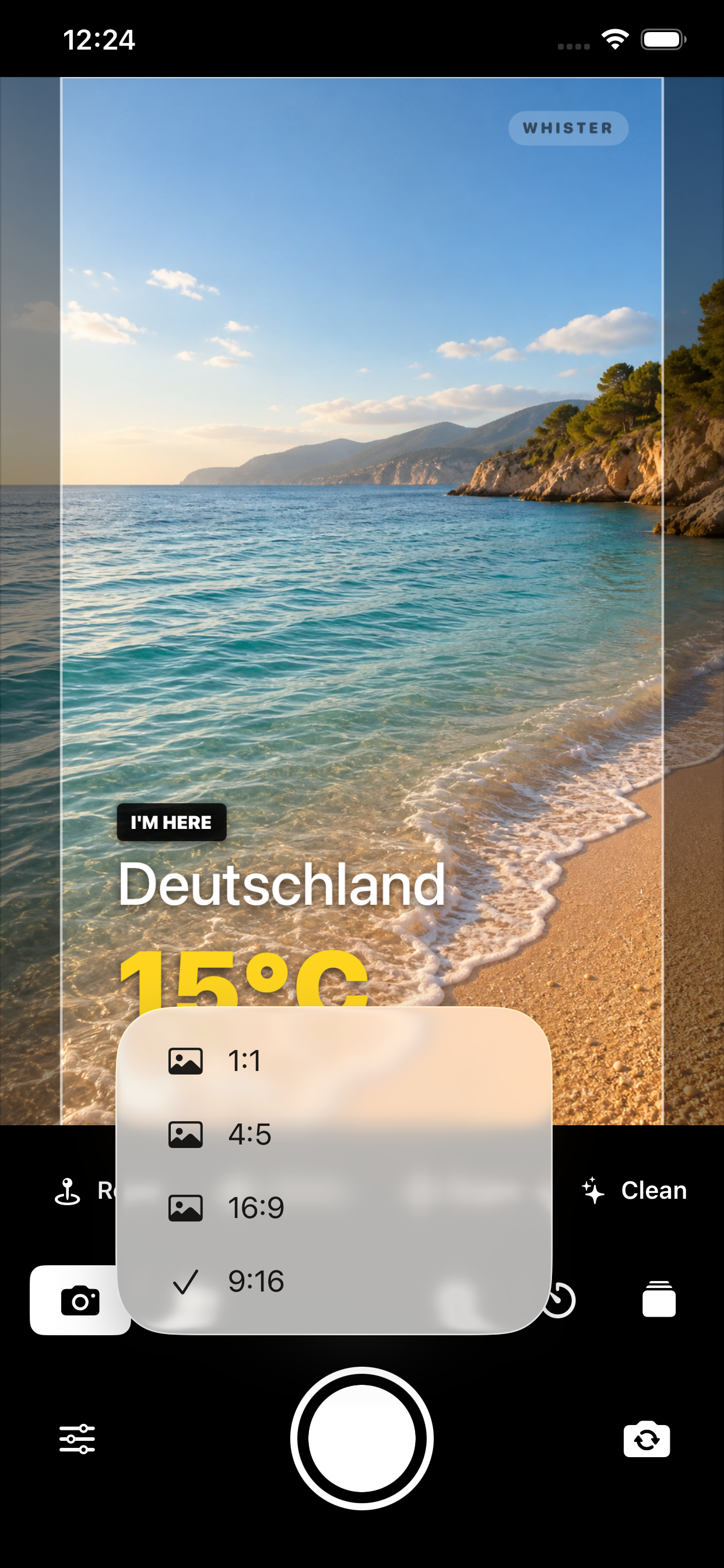
Inside the app
All current screenshots from the new version.
Ready for more context?
Show what makes the moment special.